Practising with Sing-Along and exercises
Use real-time pitch feedback to practise your part and warm up with exercises.
Web + app
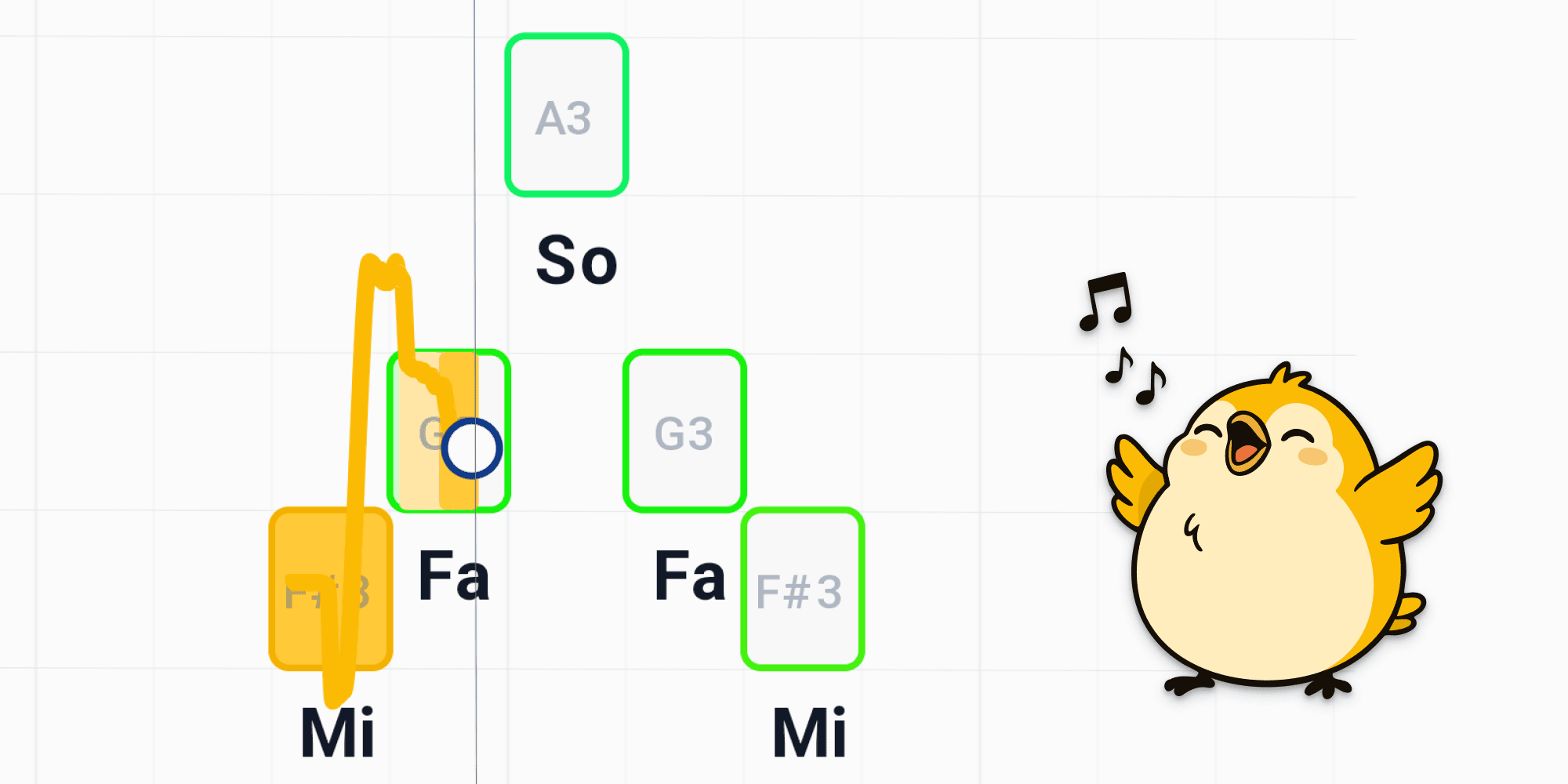
Sing-Along turns practice into a game: you sing your part while cori listens through the microphone and shows you in real time how close you are to each note. For a guided route through ear, rhythm and vocal exercises there's also the learning path.
Sing-Along works in the browser as well as in the app. The first time you use it, allow access to the microphone when you're asked. The pitch detection runs entirely on your device — nothing is uploaded.
Sing along to a song
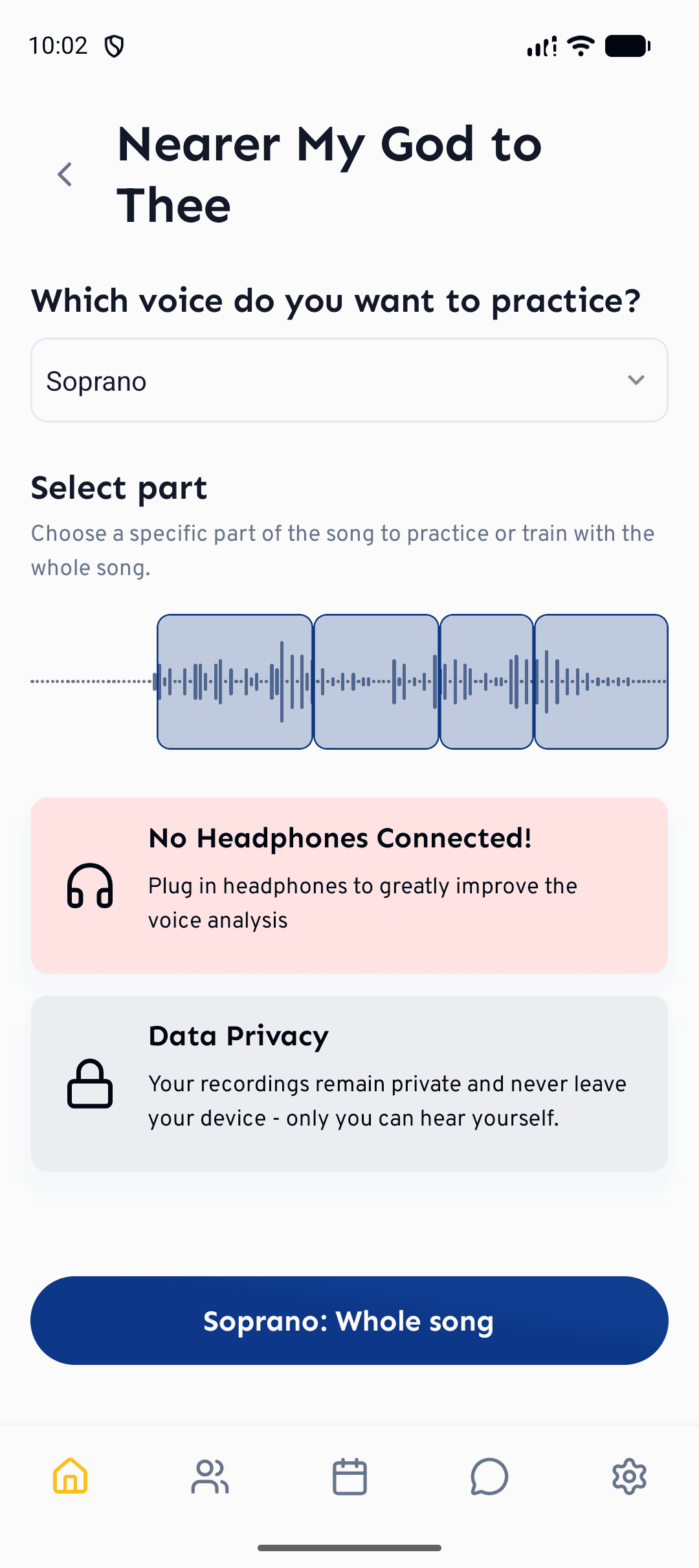
In your setlist, tap the on the song you want to practise. This opens the Sing-Along setup for that song.
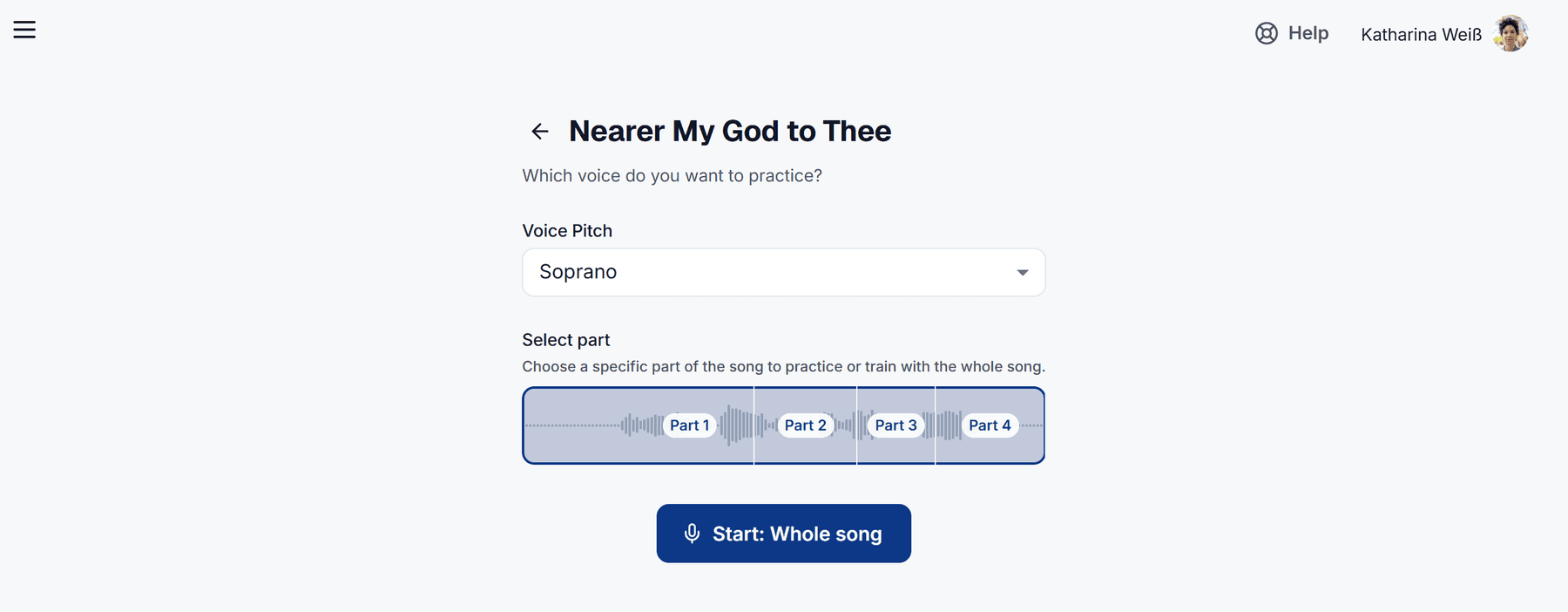
Under Which voice do you want to practice?, pick the voice you want to practise. You can also use Select part to loop one tricky passage, or simply leave it on Whole song. Then tap Start.
After a short Get Ready! countdown the song plays. Sing your part out loud — cori listens and draws your voice live on the screen as you go.
If you start Sing-Along in the app from a challenge, cori skips this setup: your voice is chosen automatically and you're straight into it.
Reading the pitch feedback
As the song plays, the notes of your part travel towards the sing line — the marker that shows "now". A coloured line traces the pitch you're actually singing, so you can see at a glance whether you're sitting right inside each target note or drifting sharp or flat. Land a note cleanly and a little pulse confirms the hit; at the end you get an accuracy score and a new best! badge when you beat your previous run.
Below the result you can listen back to your own recording, embedded in the other voices of the song. If you only practised one section, the player starts right there and plays just that section. If you changed the speed while singing, this playback isn't available.
You don't need a soprano's vocal range to practise the soprano line. cori automatically detects if you're singing a whole octave higher or lower and follows you there — so anyone can practise any voice. You still have to hit the right note within your octave — only the register is forgiven.
Warm up with exercises
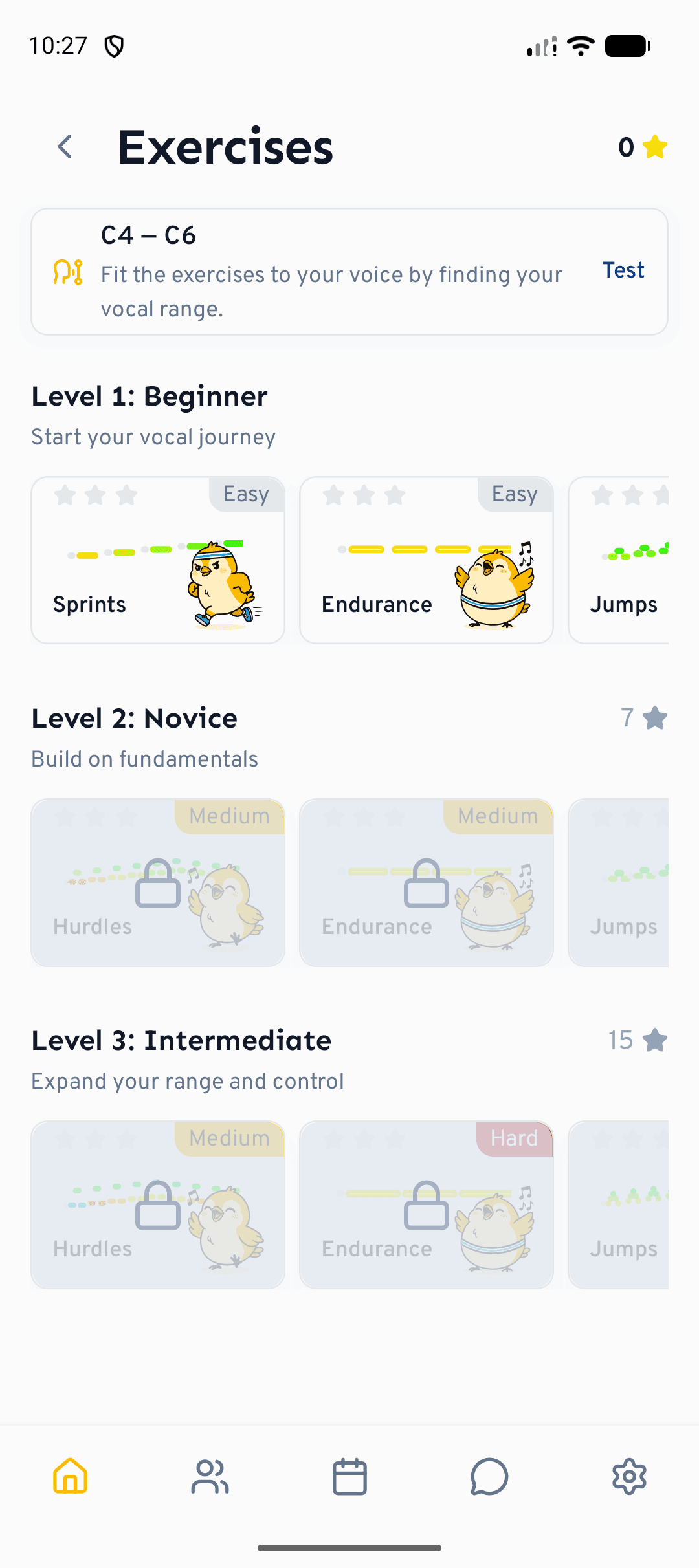
The learning path is where you warm up: in the browser via the Learning path entry in the sidebar, in the app via Home›Exercises. The Voice branch holds the guided vocal exercises — holding notes, steps, and leaps of a third and a fifth — all of them transposed automatically into your measured vocal range.
Every exercise gives you the same real-time pitch feedback as Sing-Along, plus a star rating and XP. How the path is put together is described in The learning path.
Headphones keep the backing track and the exercise tones out of your microphone, so cori hears only your voice and the pitch feedback is far more accurate.
What's next?
- The guided route through all the exercises: The learning path
- Learn the basics of playing and practising songs.
- Fine-tune what you hear with mixing voices and stereo panning.
Still need help?
Can’t find what you’re looking for? Send us a message and our team will get back to you.
Contact support