Advanced songs: lyrics and choreo videos
Add synced lyrics and choreography videos to make songs easier to learn.
Web + app
Once a song is in cori, you can make it much easier to learn with two extras: lyrics that run along with the music, and choreography videos that show your singers exactly how the moves go. This guide shows you where the choir leadership and admins add them and how your singers see them while they practise.
Adding lyrics and choreography is part of editing a song and is therefore available to choir directors. You edit a song from its ⋮ menu — choose Edit song — or directly while creating a new song with Create Song.
Add lyrics to a song
You'll find lyrics in the Lyrics step of the song editor, on the web as well as in the app.
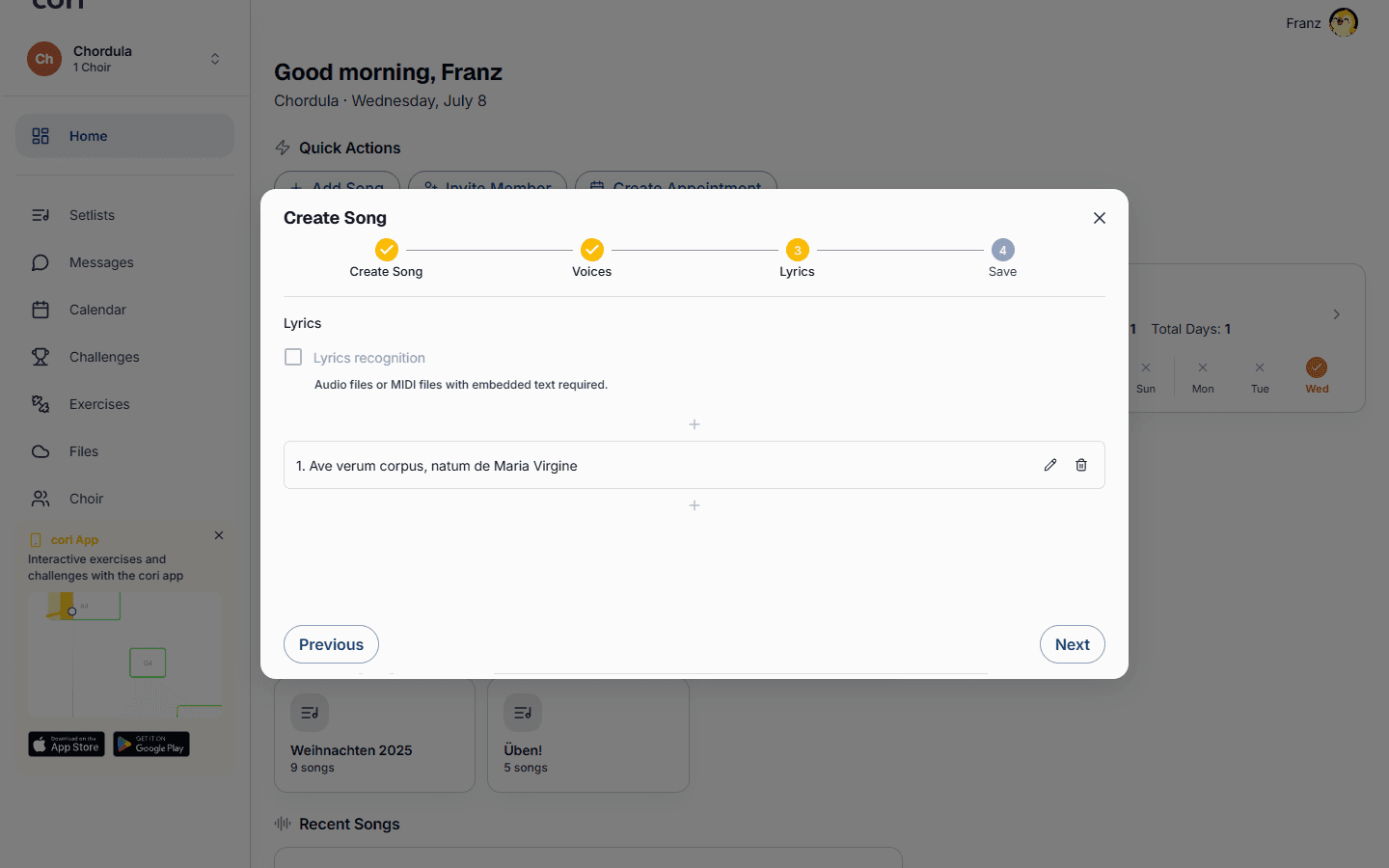
Find the song, open its ⋮ menu and choose Edit song. Step through to the Lyrics step.
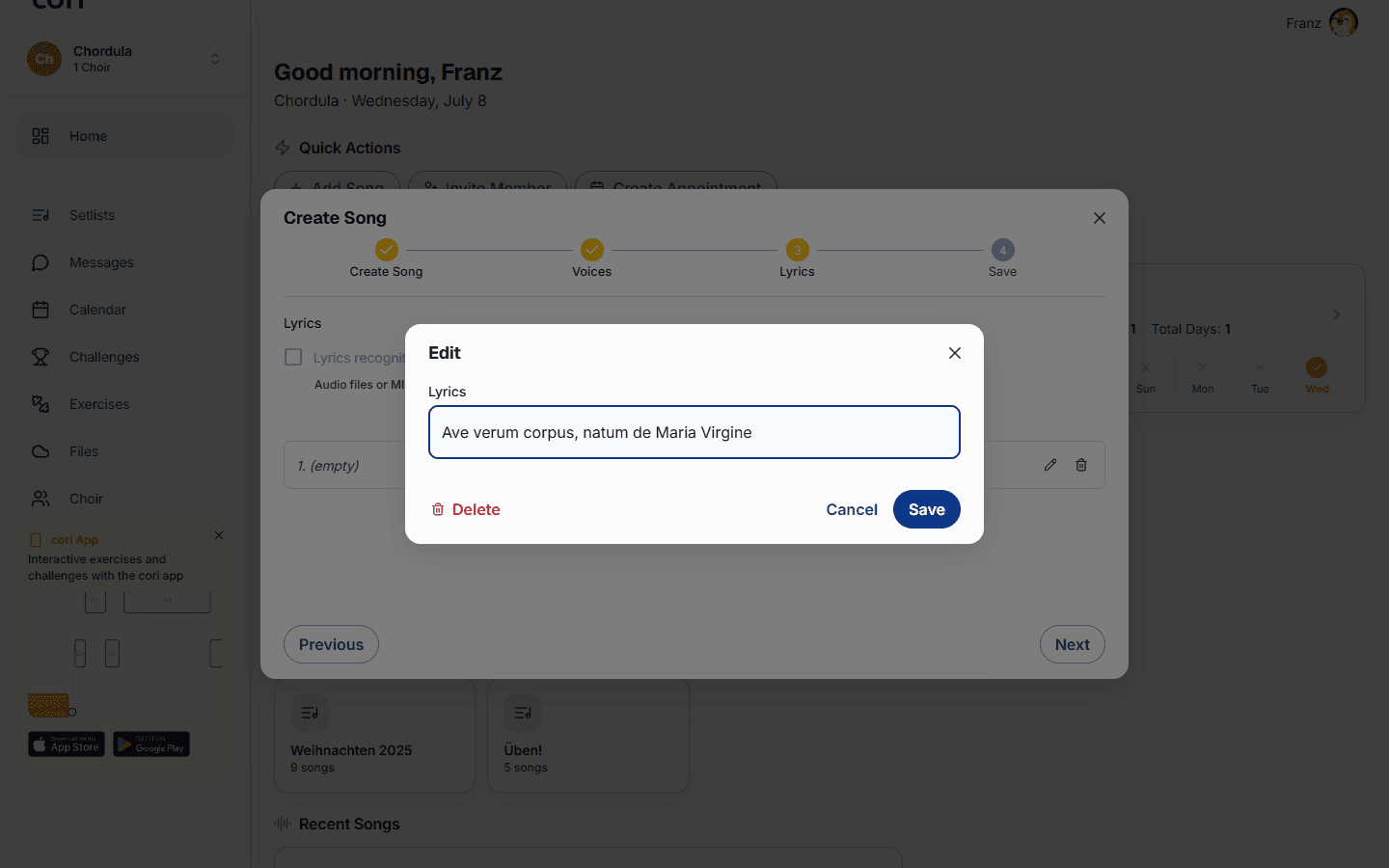
Leave Lyrics recognition on and cori transcribes the words from your audio automatically — for every voice. Processing runs in the background and takes a few minutes, so you can keep working in the meantime.
Switch recognition off to edit by hand. Use New Line to build the text line by line, or Find Online to search for the lyrics. You can assign each line to specific voices (or leave it on All Voices) so that singers only see their own part.
How singers see lyrics
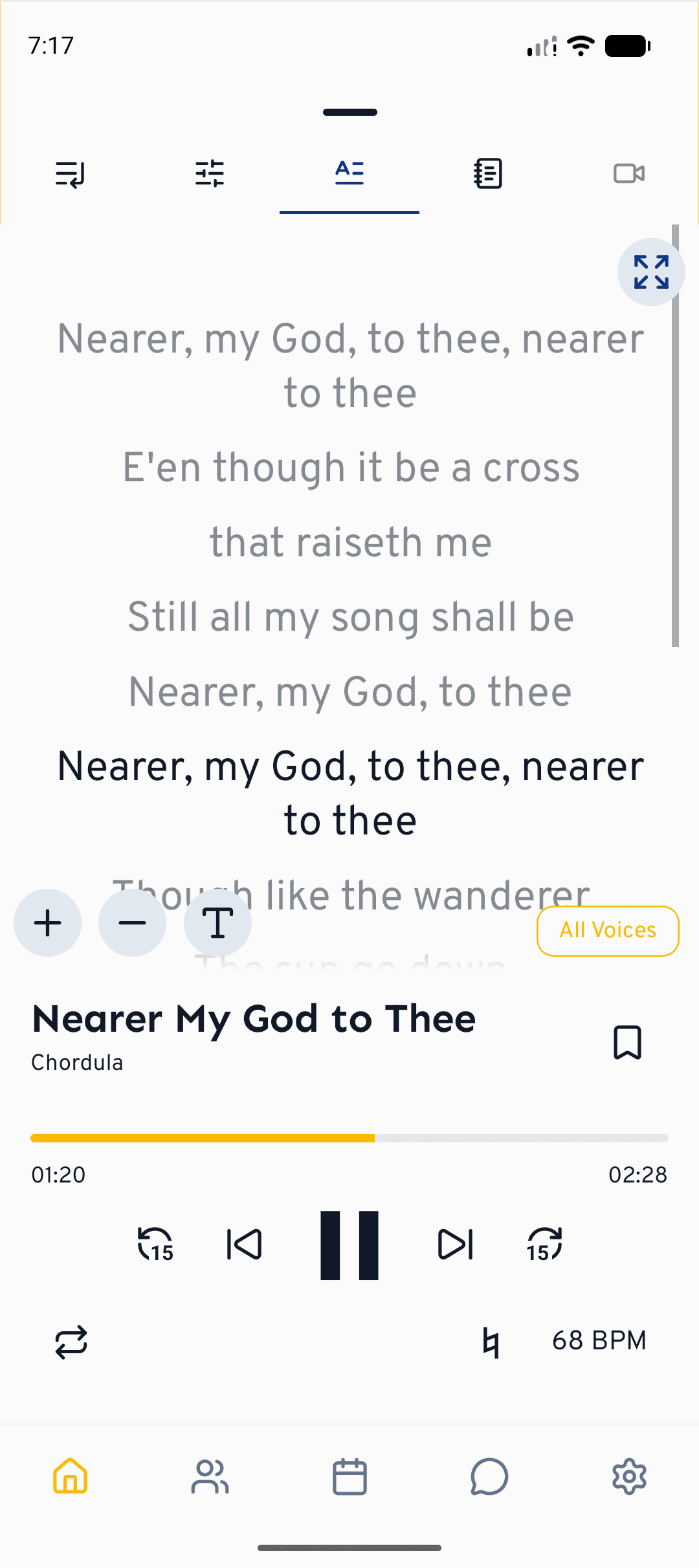
When a song has lyrics, a Lyrics tab appears in the player. The current line is highlighted as the music plays, and tapping a line jumps playback to that point. When practising with Sing Along, the words come up in time with the song, so singers can read along hands-free.
Add a choreography video
Unlike lyrics, choreography videos are only filmed and managed in the cori app for iOS and Android, where you can record yourself against the song as it plays. Once added, everyone can watch them on phone or tablet.
Open the song editor in the mobile app and go to the Voices step. Each voice has a small video card — tap it to choose how to add the choreography:
- Record Choreography — film yourself while the accompaniment track plays; trim to the part you need, and a short countdown gets you ready.
- Import Video — use a clip you already have.
- Link from Another Voice — use one video for several voices that share the same moves.
Because choreography is set per voice, different sections can have different movements. Save the song when you're done.
Singers find the video in the Choreography tab of the player. It stays in sync with playback, and if several voices have their own moves they can switch between them.
What's next?
- See all the practice tools in Playing and practising songs.
- Put the lyrics to work in Sing Along practice.
Still need help?
Can’t find what you’re looking for? Send us a message and our team will get back to you.
Contact support